Too Clever by Half

Case studies / Training

How to Talk to Robots

Training that changes how people think about AI. What it can really do, what to watch closely, and what should always stay human.

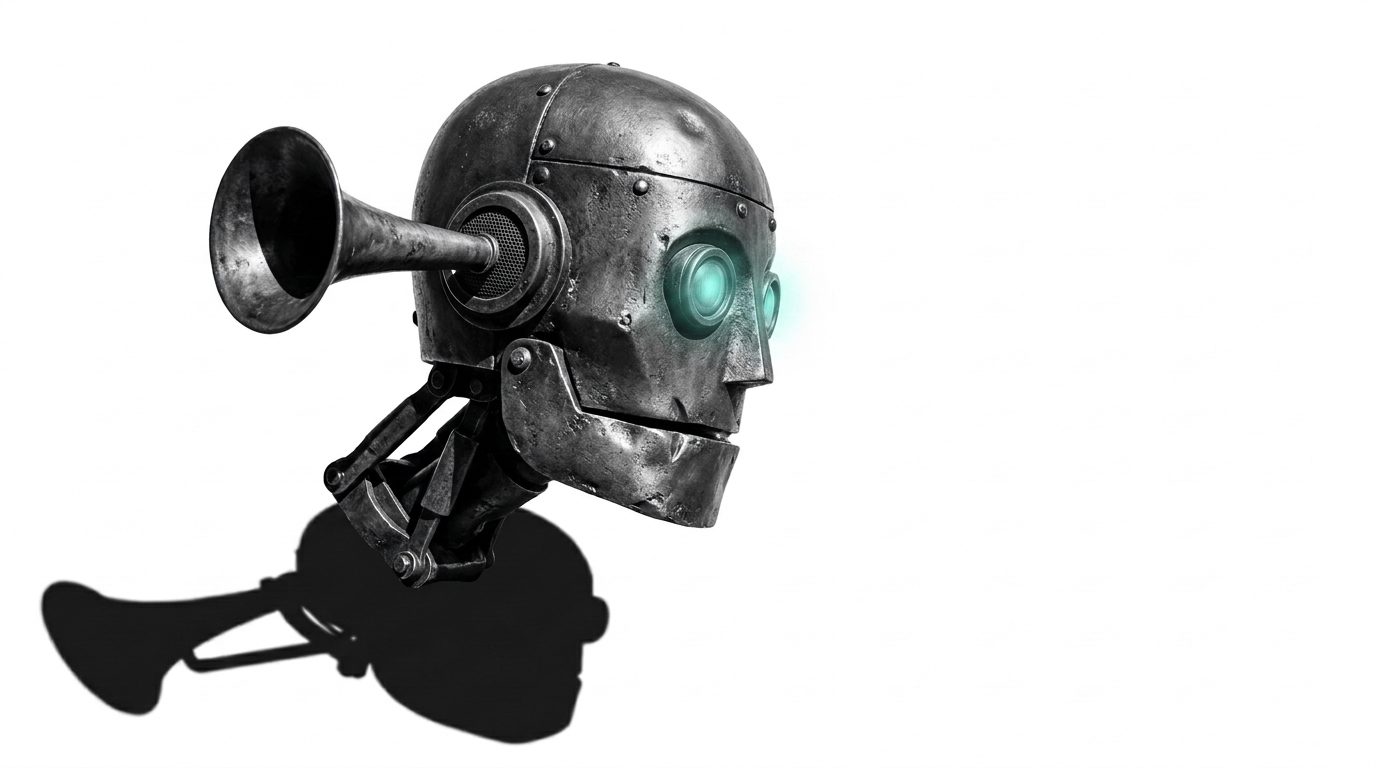
A metal robot head in profile, leaning in to listen through an old ear trumpet.
Proves
Shift the mindset and the work changes with it. The tools come second.
Format
Half-day workshop, 90-minute talk, or 8-hour course
Taught at
Humber Polytechnic, OISE (U of T), U.S. Bank, Meridian, Sonnet Insurance
Platform
Any. ChatGPT, Claude, Copilot, Gemini

Read

Two outdated pictures

Most people walk in with one of two pictures of AI. People who barely use it still think of it as a computer program: type the right command, get the right answer. People who use it a bit, but not the frontier models, believe it’s riddled with hallucinations and can’t remember anything past a few lines.

Either way, they don’t talk to it. They don’t treat it like a capable assistant, so it doesn’t act like one.

I’ve used AI every day since 2022, and I’m still surprised by how many people think they know how they’re using it while being well behind. Plenty barely follow the news. What they know stops at data centres using a lot of water, which isn’t untrue, just incomplete. And the tools their workplace hands them often aren’t the frontier models, so they’ve never seen what current AI can actually do.

Shifting the mindset

How to Talk to Robots is training on how to work with AI, and how to understand it. It’s a mindset shift more than a set of tricks. By the end, people know three things:

  • What it can actually do, which is usually far more than they expected.
  • What needs watching closely, and how to check it.
  • What should always stay human.

That last one matters most. As Cory Doctorow puts it, you don’t want to become a “reverse centaur”: a person working in service of the machine, instead of the other way round.

The first click: Ghostwriting

The first moment it clicks is when the AI interviews you. I call it Ghostwriting. Instead of writing a long prompt and hoping, you ask the model to ask you questions, one at a time. It makes you think. It captures your voice. And it approaches the work in context, the way a good assistant would.

This page was written the same way.

The second click: use AI to use AI

The second moment is when it finally sinks in that you can ask the model how to use the model better. Stuck? Ask it what it needs from you. Getting generic results? Ask it to write the prompt it wishes you’d given it. Most people never think to ask.

What a team covers

  • The 9 Building Blocks of an effective prompt, so everyone builds from the same parts.
  • The expert generalist: using AI to borrow perspectives you don’t have, without losing depth.
  • Risk: spotting hallucinations, bias and workslop before they become a liability.
  • Voice: Ghostwriting, so the output sounds like you, not like everyone else.

The goal is a shared language, so a team can argue about how to use AI instead of whether to, and stop hiding what they’re already doing.

Where it’s been taught

It started as a running file of notes, became a 90-minute talk, and then an 8-hour micro-credential at Humber Polytechnic, Prompt Writing for AI: How to Talk to Robots. I’ve taken it into three residencies at OISE, University of Toronto, and into workshops for U.S. Bank, Meridian Credit Union, Sonnet Insurance, SickKids, the City of Toronto and others.

We learned so much about prompting, but especially how to think about prompting. — UX design lead, financial services

What still needs a human hand

The prompts in the kit are the easy part. The hard part is the habit: proofing twice, asking whether the output is actually good, and noticing when you’ve stopped thinking. That’s what the training is really for.

Use it

Try it yourself

Three prompts from the training. Paste each one into whatever AI tool you already use. None of them needs a paid plan.

Time: 20 minutes

  1. Start with Ghostwriting. Give it a real task from your week, not a test one, and a few samples of your own writing.
  2. Answer its questions honestly, one at a time. Vague answers get vague drafts.
  3. When you're stuck, or the output feels generic, use AI to use AI. Ask the model how to ask it better.
  4. Finish with The workslop check before anything leaves your desk.
Prompt 01

Ghostwriting

Use it when you'd normally write a long prompt and hope for the best.

I need help with a task, but don't start on it yet.

First, interview me. Ask me one question at a time about the task, the audience,
what "good" looks like, what I've already tried, and what must not happen.
Don't accept a vague answer: if I'm fuzzy, ask a sharper follow-up.

Then capture my voice. Read the samples below and describe how I write in five
plain observations: sentence length, word choice, what I never say, how I open,
how I close. Wait for me to correct you.

When you have enough to do excellent work, say "I have what I need",
summarise the brief back to me in five bullets, and wait for my OK.
Then write it in my voice.

The task is: [describe it in one sentence]

SAMPLES:
[paste 2–3 things you've written]
Prompt 02

Use AI to use AI

Use it before a task you've never done with AI, or when the results feel generic.

I want to use you for this task: [describe it].

Before you do anything, coach me. Tell me:
1. What you'd need to know from me to do this really well.
2. What you're good at here, and where I should check your work closely.
3. Which parts of this task should stay with me, and why.
4. The prompt you'd want me to give you, written out in full.

Then wait. I'll edit that prompt and give it back to you.
Prompt 03

The workslop check

Use it on any AI output before it goes to someone else.

Act as a sceptical senior editor. Review the text below and list, in order of risk:

1. Any claim, number or quote that needs a source, and why.
2. Anything generic enough to appear in a competitor's document.
3. Anything that pushes work downstream (vague next steps, missing owners, unanswered questions).
4. Anything off-voice for the audience: [name the audience].

Don't rewrite it. Just show me the problems, with the exact phrase quoted.

TEXT:
[paste it]

Want this run properly, with your team and your real work?

Talk to me about it

More case studies

Client work

SuperPosition: AI that makes you harder to replace

A Chief Operating System for one leader: plain files on their own laptop that learn how they think, lay more perspectives over their own, and hand every decision back. It works with the people around them, and replaces none of them.

Proves AI can carry real leadership context safely when it adds to a person's judgement and never stands in for it.

Client work

The wrinkle radar: consistent numbers through a transformation

A large US retailer outsourced a whole product team, and the numbers still had to add up. I connected Claude to Jira to catch bad board hygiene, teach the fix, and keep leadership's comparisons fair for a year of constant change.

Proves AI can hold a standard steady while everything around it changes, when a person decides what the standard is.